One named person inside your business should own the mobile app. That person should be whoever is answerable for the result the app exists to produce, not your IT person and not the agency that built it. If the app takes repeat orders, the sales or operations head owns it. If it serves field staff, whoever runs the field team owns it. The agency builds and maintains. Your owner decides.
If you can't name that person today, or the only candidate is you and you already have no time, you probably don't need an app yet. An app with no owner gets launched, collects a few bad Play Store reviews, stops getting updates, and quietly breaks when Android or iOS changes something. A well-built mobile website with nobody owning it fails more slowly and costs far less.
What the app owner actually does
Ownership is not a title. It's a short list of jobs someone has to do every week or month:
- Holds the accounts. The Apple Developer account and Google Play Console account should be registered in your company's name, with the owner's company email as admin. We regularly see businesses whose app sits under a freelancer's personal account. Getting it back can be painful and sometimes isn't possible.
- Holds the keys. Access to the code repository (GitHub, GitLab or Bitbucket), the Android signing key, the Firebase or backend project, and the server or cloud account. If you lose the Android signing key, you can't push updates to the same listing the normal way.
- Decides what goes in the next release. Feature requests will come from sales, support, your family and your biggest customer. Someone has to say no to most of them.
- Approves releases. Tests the build on their own phone before it goes to the stores. Not the developer's phone. Theirs.
- Reads reviews and crash reports. Play Console and App Store Connect both show ratings, reviews and crash data. Firebase Crashlytics shows more. Someone has to look.
- Watches the numbers covered further down, and brings them to whoever controls the budget.
This works out to a few hours a week once the app is live, and more during build. If nobody has those hours, that's your answer for now.
When a mobile app is genuinely worth it
An app earns its keep when people use it repeatedly and the phone gives you something a browser can't do as well. The situations we see work:
- Repeat ordering by known customers. Distributors and retailers reordering from a manufacturer, restaurants reordering from a supplier, patients rebooking at a clinic chain. They open it often, so the icon on the home screen matters.
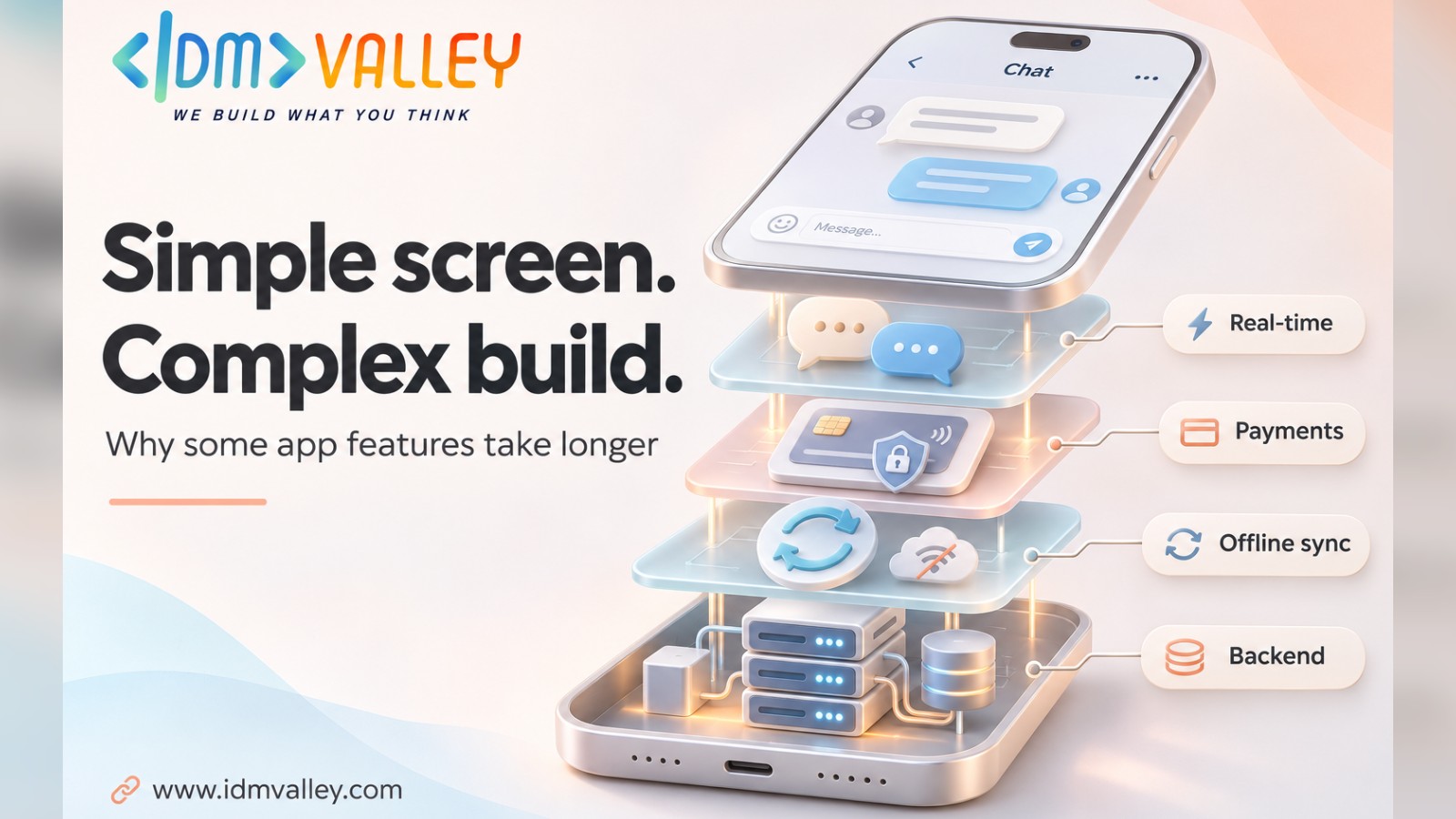
- Field staff tools. Sales reps logging visits with GPS, technicians uploading job photos, delivery staff capturing proof of delivery. Camera, location and offline mode do real work here, and spotty network outside cities makes offline sync a genuine need.
- Push notifications that people actually want. Order status, appointment reminders, payment due. Not promotional blasts.
- Loyalty or membership where the app is the card: gyms, salons, coaching institutes with daily attendance.
Notice what's missing: "our competitors have one" and "it will make us look bigger". Neither pays for the build or the upkeep.
What a mobile app does not solve
An app doesn't bring you new customers. People rarely download an app from a business they haven't bought from yet. Discovery still happens on Google, Instagram, marketplaces and word of mouth, and those lead to your website. If you're short of new enquiries, spend on your site and search first.
It doesn't fix a broken process. If your order handling is a WhatsApp group and an Excel sheet, an app on top just makes the mess look tidy to customers while your team still scrambles behind it. Sort the back end first, often with a simple CRM or order system, then put an app on top.
It doesn't replace your website. You still need one for Google, for first impressions and for people who won't install anything.
And it doesn't stay finished. Apple and Google update their operating systems and store policies every year. An app nobody updates eventually gets flagged or stops working properly on new phones.
How to tell whether the app is working
Downloads are the number everyone looks at and the least useful one. Watch these instead:
- Active users against your customer base. If you have a known number of distributors, what share open the app in a given month? Firebase Analytics or the store consoles will show this.
- Share of the target action happening in the app. Of all reorders, how many came through the app versus phone and WhatsApp? This is the number that tells you whether it's replacing manual work.
- Retention. Of people who installed last month, how many are still opening it? Steep drop-off usually means a confusing first screen or a login problem.
- Crash-free sessions in Crashlytics or Play Console's Android vitals. Crashes kill trust quickly.
- Staff time saved, for internal apps. Ask the team leader directly whether order entry or report compilation actually got faster.
Write down two or three of these before the build starts, with where you're starting from. Otherwise, six months in, nobody can say if it worked, and the app becomes a cost that's hard to defend or cut.
Realistic timelines and effort
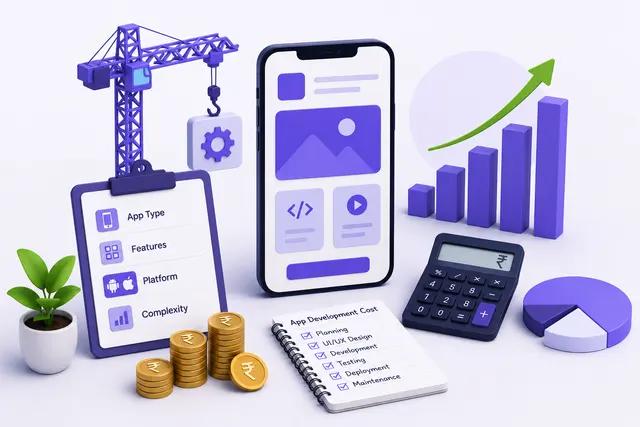
We won't give you a fixed number of weeks here, because it swings widely with scope. What drives the time is predictable, though:
- Integrations. Connecting to Tally, an existing ERP, a payment gateway like Razorpay, or a courier API usually takes longer than the screens themselves, especially when the other system is old or undocumented.
- Number of user types. Customer app only is one thing. Customer app plus delivery app plus admin panel is roughly three products.
- Your decision speed. The most common delay we see isn't development. It's waiting for the business to sign off designs, content and test builds. A named owner fixes much of this.
- Store review. Apple's review in particular can reject builds for missing privacy details, account deletion options or login issues. Build in time for at least one resubmission.
On your side, expect the owner to spend real time during design and testing: reviewing screens, writing the actual text for buttons and messages, and testing on several cheap Android phones, since that's what many of your users carry. After launch, plan for ongoing maintenance as a yearly cost, not an afterthought. Cross-platform frameworks like Flutter or React Native let one codebase serve Android and iOS, which usually reduces build and upkeep effort compared to two separate native apps, though heavy device-specific features can push you back toward native.
Practical advice before you commit
Name the owner first. If you can't, wait.
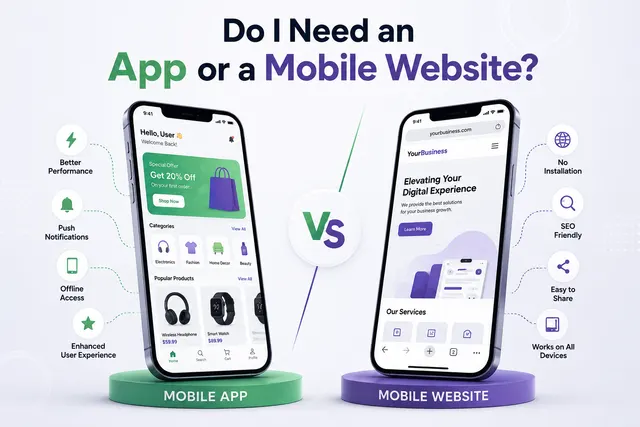
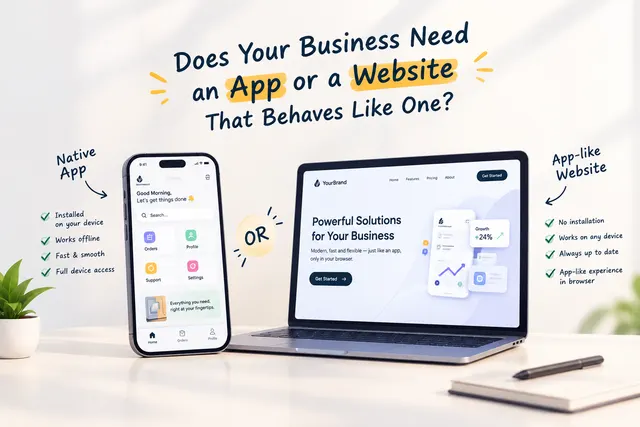
If your users are mostly first-time or occasional buyers, build a fast mobile website instead. If most of your Indian customers are Android users and the need is internal, consider an Android-only app first and add iOS later only if someone asks. If what you really need is order intake, a WhatsApp Business setup with a catalogue, or a progressive web app that can be added to the home screen, may cover it at a fraction of the effort.
Whatever you build, register the store accounts in your company's name, get the signing keys and repository access handed over in writing, and put the maintenance cost in next year's budget now.
If you want a rough figure for your scope, try the pricing calculator.